Golden Technologies Lift Chair Remote Replacements
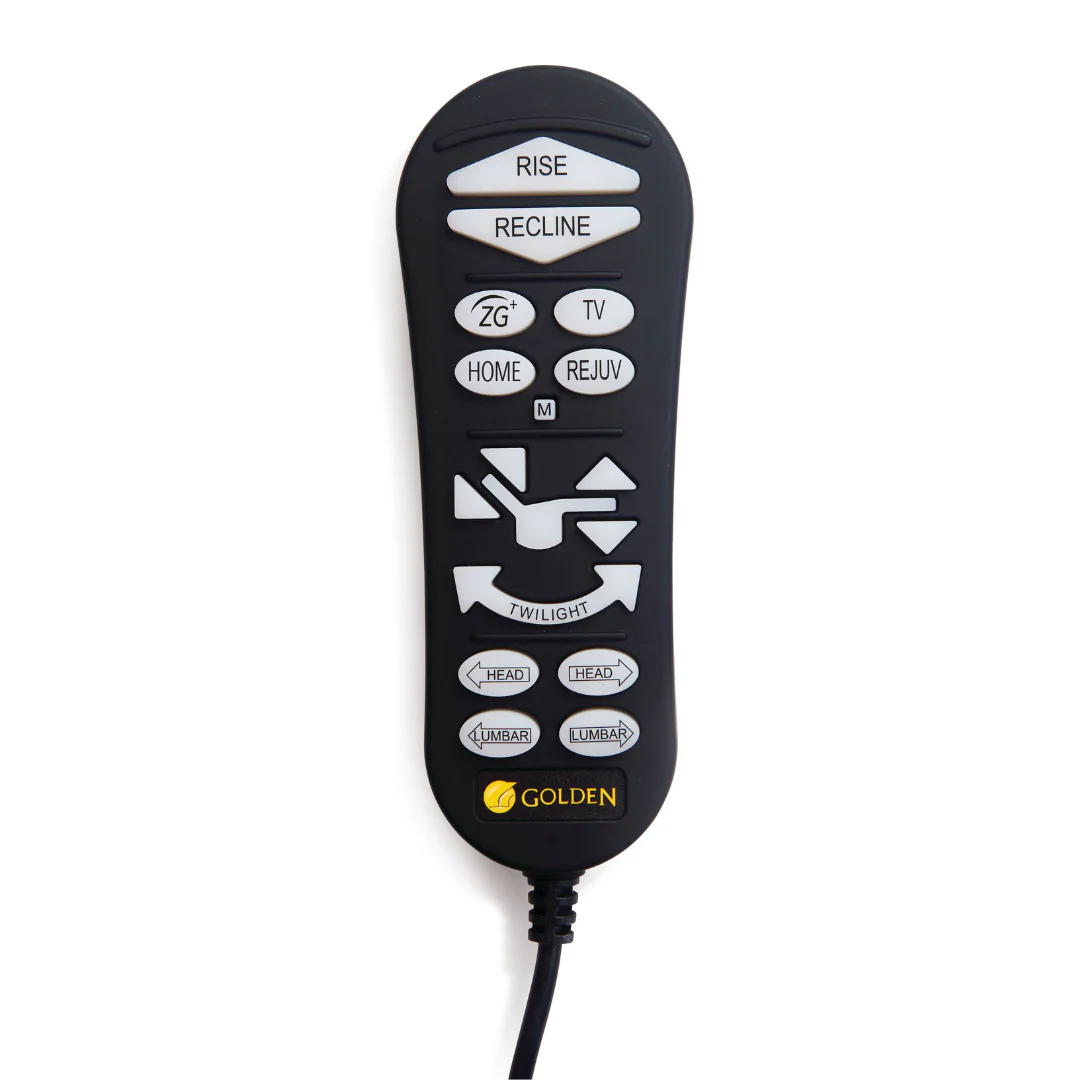
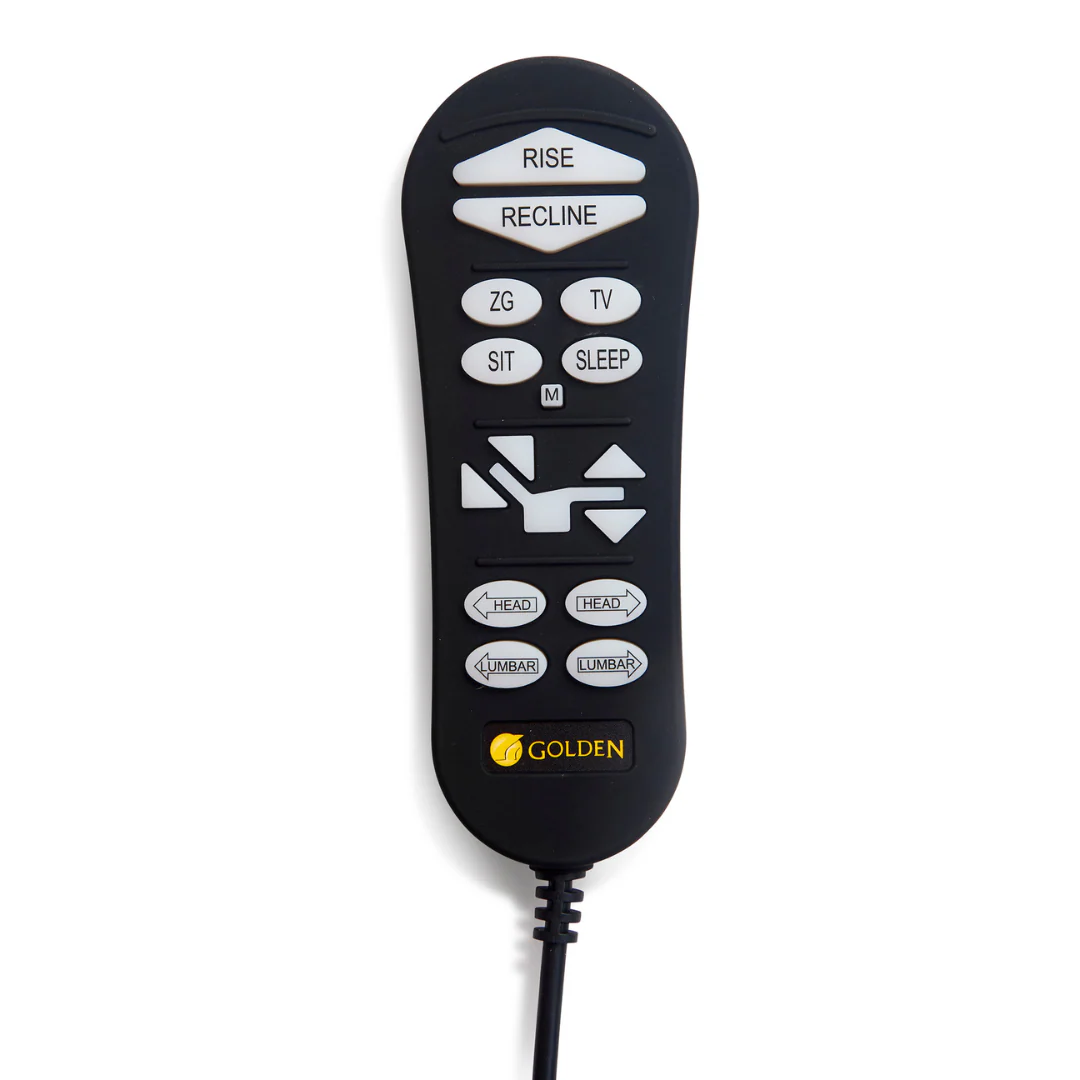
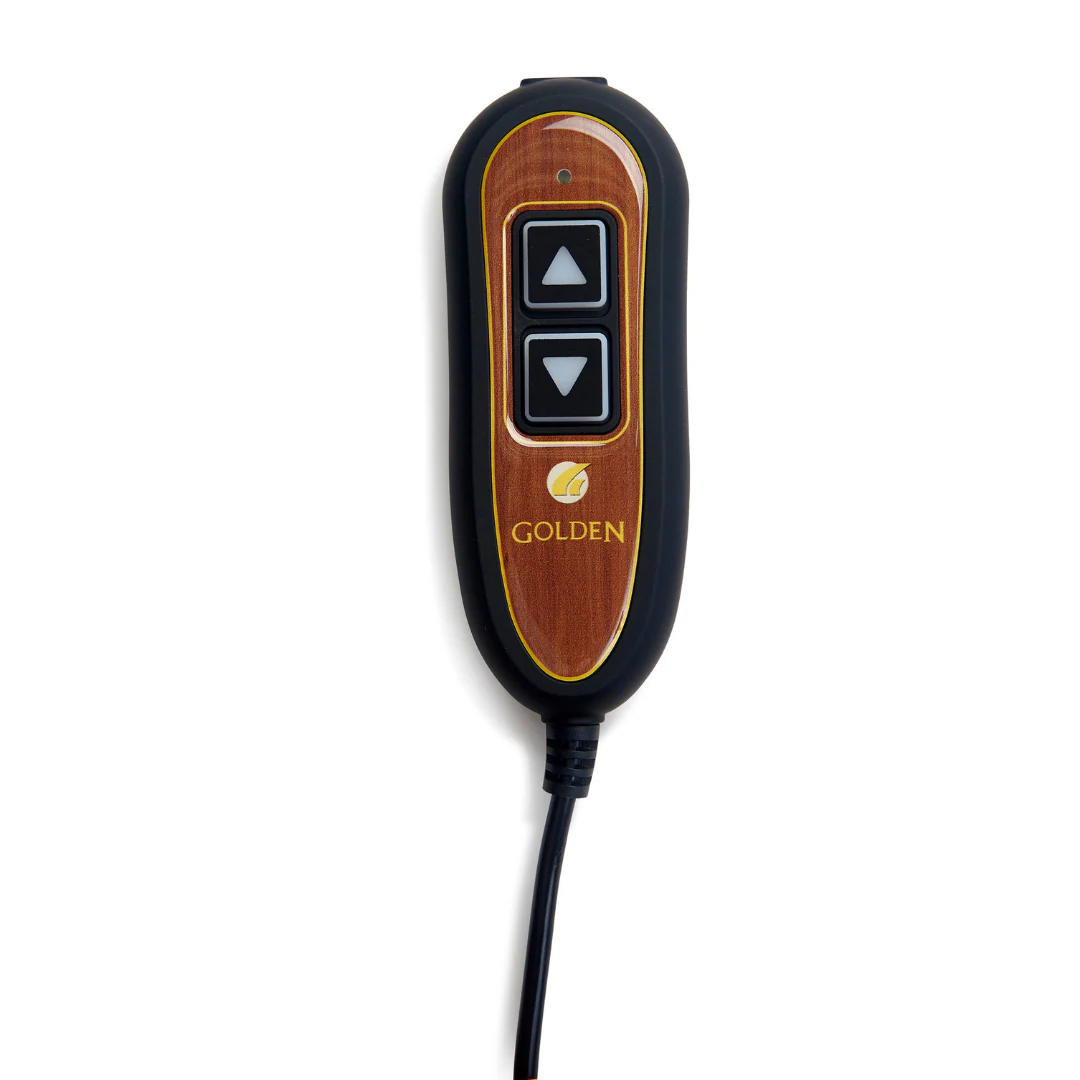
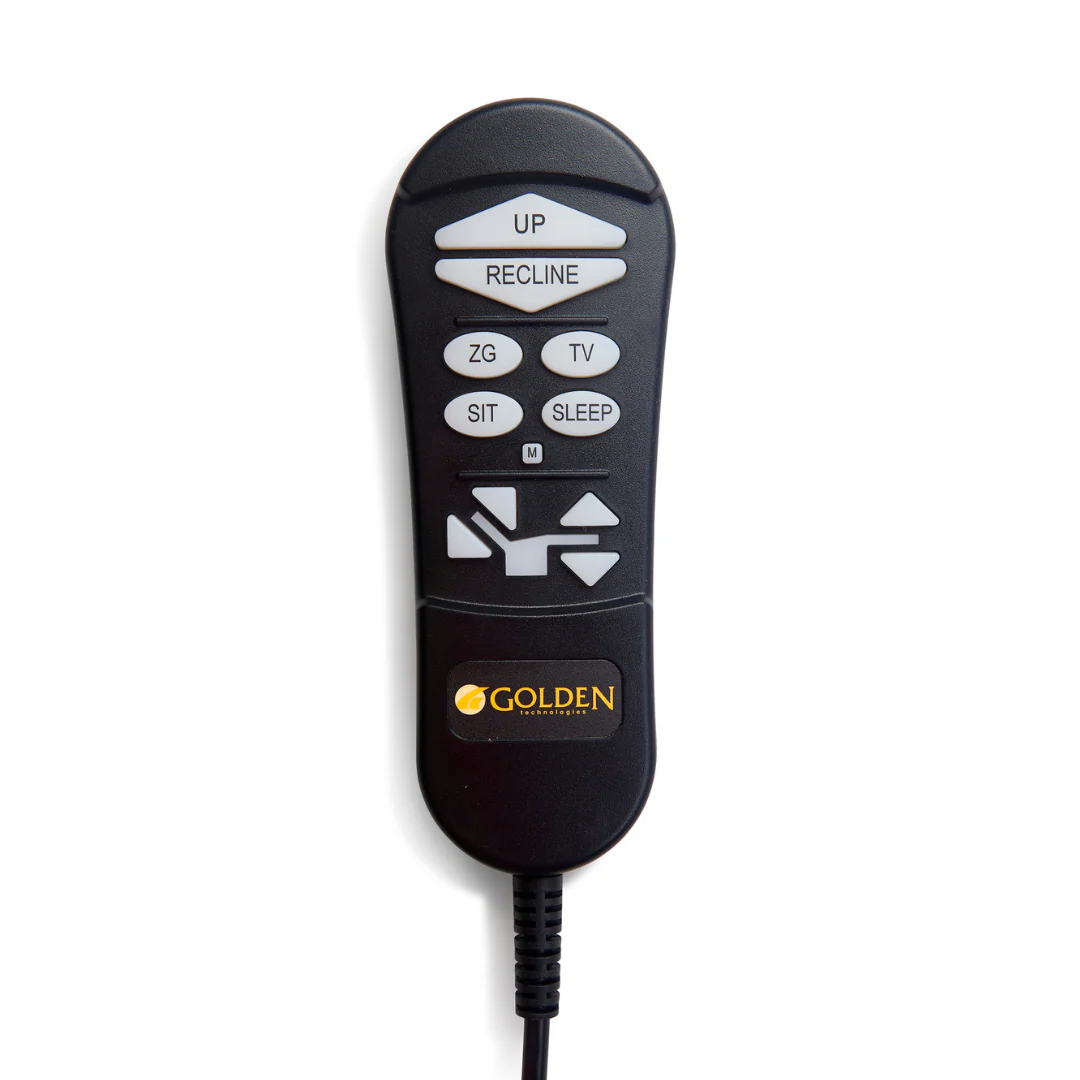
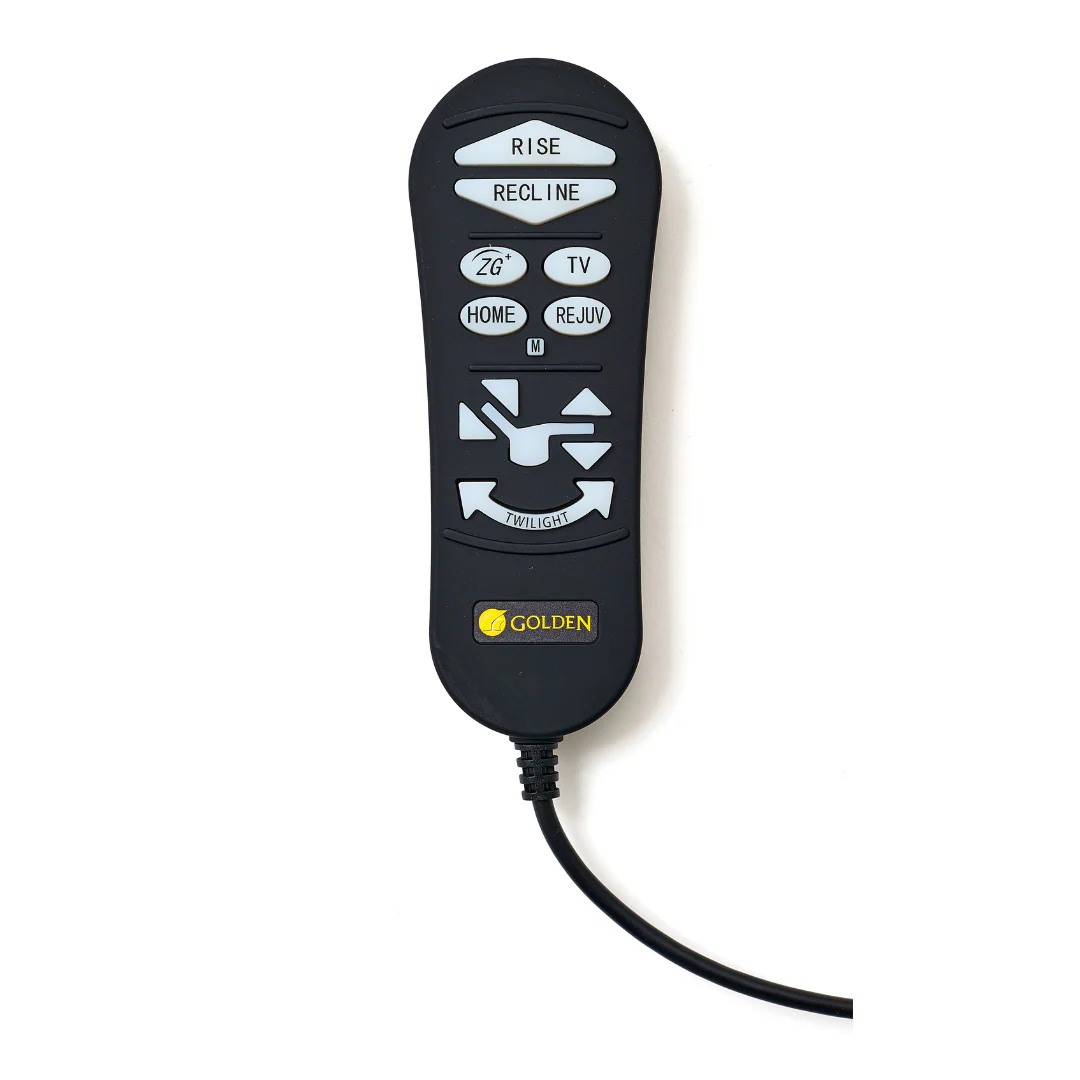
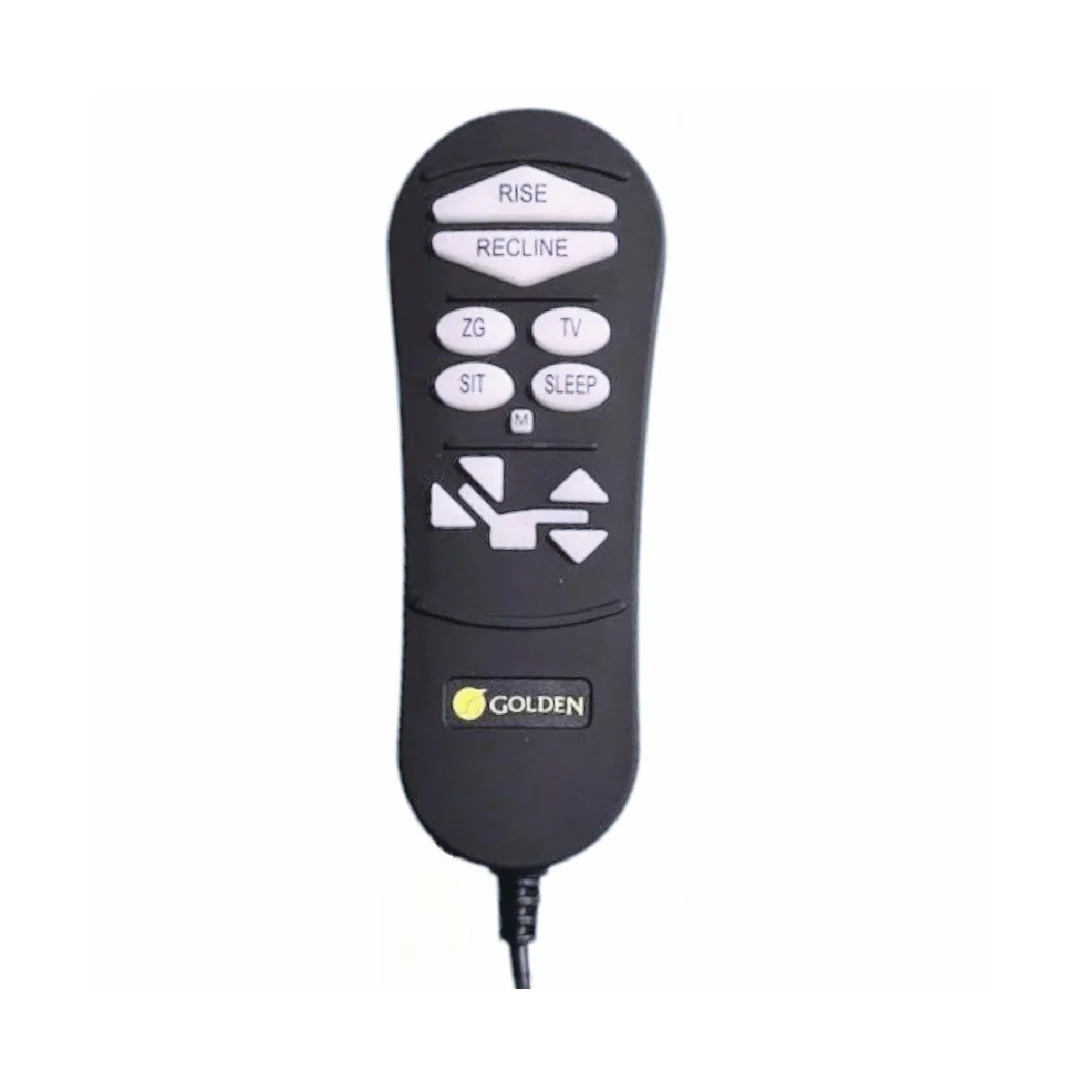
Need to replace your Golden Technologies Lift Chair Hand Controllers? We carry all remotes for all chairs and can expedite as needed. It is highly recommended to purchase 2 remotes to always have 1 as a back-up in case 1 needs to be replaced.
For assistance in locating which remote is right for you, please refer to the breakdown by Comfort Zone and Model below:
| Comfort Zone | Compatible Models |
|---|---|
| Comfort Zone 1 Chairs – ZK-1200HC-1 | |
| Golden Technologies Models | PR531, PR401, PR118, PR359, PR355 |
| Ultra Comfort Model Numbers | UC480, UC114, UC342 |
| Comfort Zone 2 Chairs – ZKAD-6 (*Previously the ZKAD-5*) |
|
| Golden Technologies Models | PR766, PR535, PR510, PR505 |
| Ultra Comfort Model Numbers | UC559, UC556, UC520 |
| Comfort Zone 3 Chairs – ZK3300-HC | |
| Golden Technologies Models | PR545 |
| Ultra Comfort Model Numbers | — |
| Comfort Zone 4 Chairs – ZK3200-HC | |
| Golden Technologies Models | PR632, PR517, PR511, PR448, PR446, PR442 |
| Ultra Comfort Model Numbers | UC566, UC478, UC476, UC472 |
| Comfort Zone 5 Chairs – ZK3100 | |
| Golden Technologies Models | PR525, PR527, PR761, PR764, PR515, PR449, PR447 |
| Ultra Comfort Model Numbers | UC562, UC568, UC793, UC576, UC477 |
Additional Remotes for Lift Chair add-ons:
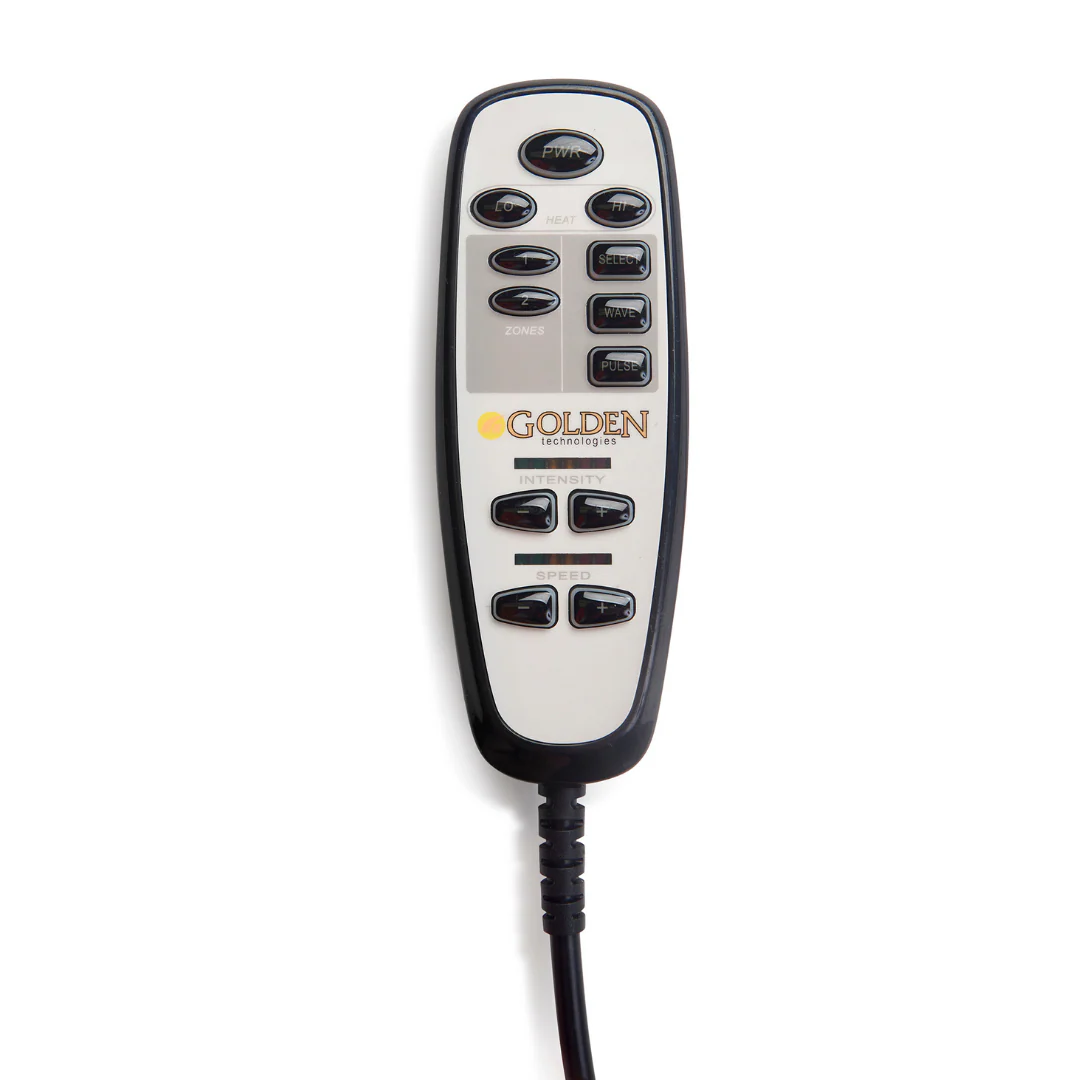
Heat & Massage Controller - HV3001
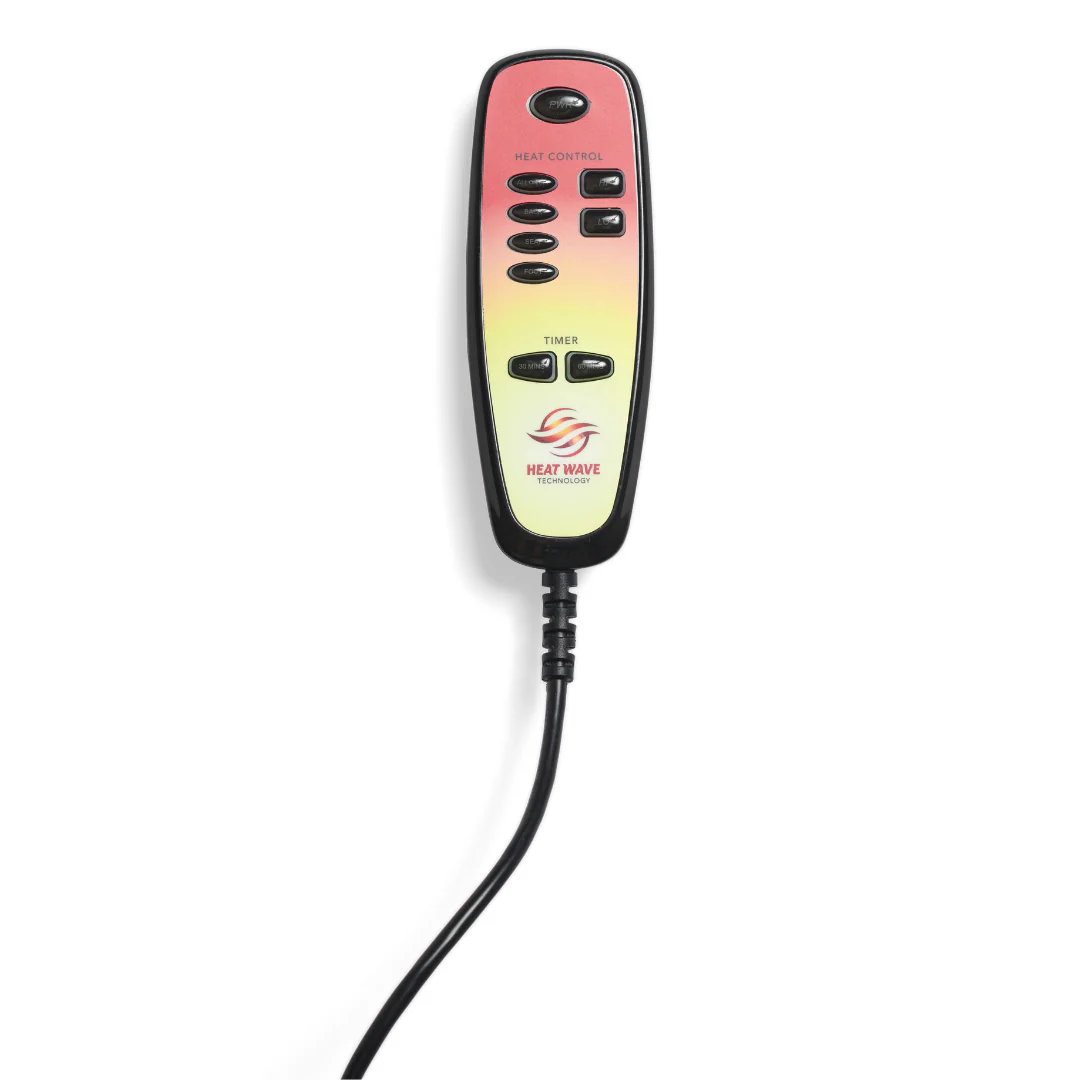
Heat Wave Technology Controller - HV1000-HC
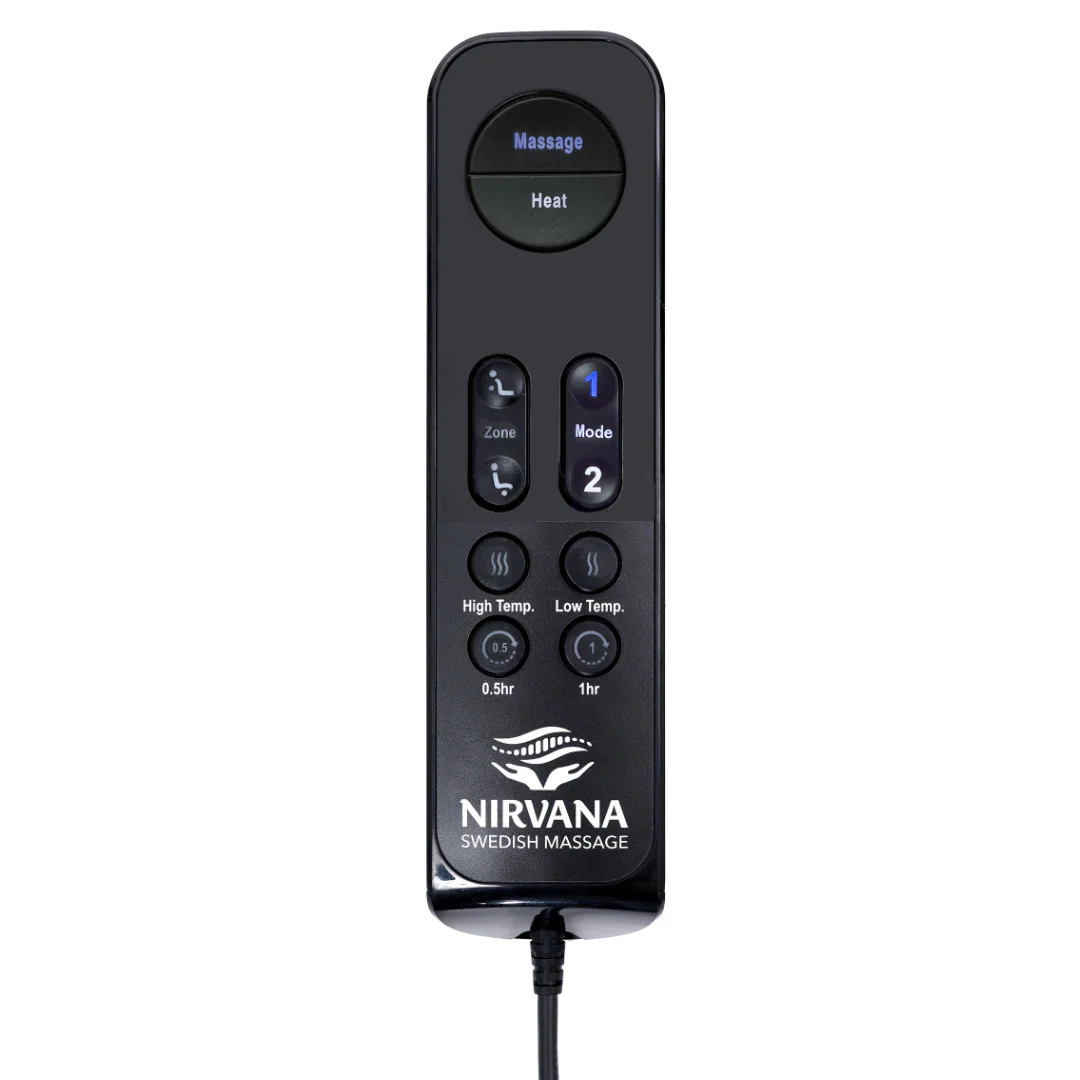
Nirvana Swedish Massage Controller - ZK4100-HC
PR514 Lift Chair - ZKAD-C3M
How do I locate my Part or Model Number for my chair?
Finding your chair’s model or part number is simple and ensures you select the correct remote replacement for your Golden Technologies or Ultra Comfort lift chair.
Step 1 – Access the Label
Lift up the back flap of your lift chair to expose the motor and base area. You’ll see a sticker label attached to the wooden or metal frame beneath the seat or near the back support.
Step 2 – Identify the Model Number
On the label, locate a number beginning with either:
-
P (for Golden Technologies models)
-
UC (for Ultra Comfort models)
These prefixes correspond to your chair brand and model type.
Step 3 – Match to the Correct Comfort Zone
Once you’ve found your model or part number, refer to the Comfort Zone Compatibility Chart (below) to determine which remote replacement fits your chair model.
|
Brand Prefix |
Example |
Comfort Zone |
|---|---|---|
|
P (Golden Technologies) |
PR531, PR510, PR632 |
Comfort Zone 1–5 |
|
UC (Ultra Comfort) |
UC480, UC559, UC566 |
Comfort Zone 1–5 |
Matching your model number to the correct Comfort Zone ensures you get a remote that functions perfectly with your specific chair model.

Download The Comfort Zone 4 & 5 Guide
Troubleshooting Videos
Golden Technologies Troubleshooting for 4 and 5-Zone Power Lift Chair Recliners
Golden Technologies 5-Zone Power Lift Chair AutoDrive Calibration & Reset Video
Golden Technologies 4-Zone Power Lift Chair AutoDrive Calibration & Reset Video
Golden Technologies 2-Zone Power Lift Chair AutoDrive Calibration & Reset Video
Warranty
Remotes have a 3 year warranty
Original: $79.00
-70%$79.00
$23.70Product Information
Product Information
Shipping & Returns
Shipping & Returns
Description
Need to replace your Golden Technologies Lift Chair Hand Controllers? We carry all remotes for all chairs and can expedite as needed. It is highly recommended to purchase 2 remotes to always have 1 as a back-up in case 1 needs to be replaced.
For assistance in locating which remote is right for you, please refer to the breakdown by Comfort Zone and Model below:
| Comfort Zone | Compatible Models |
|---|---|
| Comfort Zone 1 Chairs – ZK-1200HC-1 | |
| Golden Technologies Models | PR531, PR401, PR118, PR359, PR355 |
| Ultra Comfort Model Numbers | UC480, UC114, UC342 |
| Comfort Zone 2 Chairs – ZKAD-6 (*Previously the ZKAD-5*) |
|
| Golden Technologies Models | PR766, PR535, PR510, PR505 |
| Ultra Comfort Model Numbers | UC559, UC556, UC520 |
| Comfort Zone 3 Chairs – ZK3300-HC | |
| Golden Technologies Models | PR545 |
| Ultra Comfort Model Numbers | — |
| Comfort Zone 4 Chairs – ZK3200-HC | |
| Golden Technologies Models | PR632, PR517, PR511, PR448, PR446, PR442 |
| Ultra Comfort Model Numbers | UC566, UC478, UC476, UC472 |
| Comfort Zone 5 Chairs – ZK3100 | |
| Golden Technologies Models | PR525, PR527, PR761, PR764, PR515, PR449, PR447 |
| Ultra Comfort Model Numbers | UC562, UC568, UC793, UC576, UC477 |
Additional Remotes for Lift Chair add-ons:
Heat & Massage Controller - HV3001
Heat Wave Technology Controller - HV1000-HC
Nirvana Swedish Massage Controller - ZK4100-HC
PR514 Lift Chair - ZKAD-C3M
How do I locate my Part or Model Number for my chair?
Finding your chair’s model or part number is simple and ensures you select the correct remote replacement for your Golden Technologies or Ultra Comfort lift chair.
Step 1 – Access the Label
Lift up the back flap of your lift chair to expose the motor and base area. You’ll see a sticker label attached to the wooden or metal frame beneath the seat or near the back support.
Step 2 – Identify the Model Number
On the label, locate a number beginning with either:
-
P (for Golden Technologies models)
-
UC (for Ultra Comfort models)
These prefixes correspond to your chair brand and model type.
Step 3 – Match to the Correct Comfort Zone
Once you’ve found your model or part number, refer to the Comfort Zone Compatibility Chart (below) to determine which remote replacement fits your chair model.
|
Brand Prefix |
Example |
Comfort Zone |
|---|---|---|
|
P (Golden Technologies) |
PR531, PR510, PR632 |
Comfort Zone 1–5 |
|
UC (Ultra Comfort) |
UC480, UC559, UC566 |
Comfort Zone 1–5 |
Matching your model number to the correct Comfort Zone ensures you get a remote that functions perfectly with your specific chair model.
Download The Comfort Zone 4 & 5 Guide
Troubleshooting Videos
Golden Technologies Troubleshooting for 4 and 5-Zone Power Lift Chair Recliners
Golden Technologies 5-Zone Power Lift Chair AutoDrive Calibration & Reset Video
Golden Technologies 4-Zone Power Lift Chair AutoDrive Calibration & Reset Video
Golden Technologies 2-Zone Power Lift Chair AutoDrive Calibration & Reset Video
Warranty
Remotes have a 3 year warranty